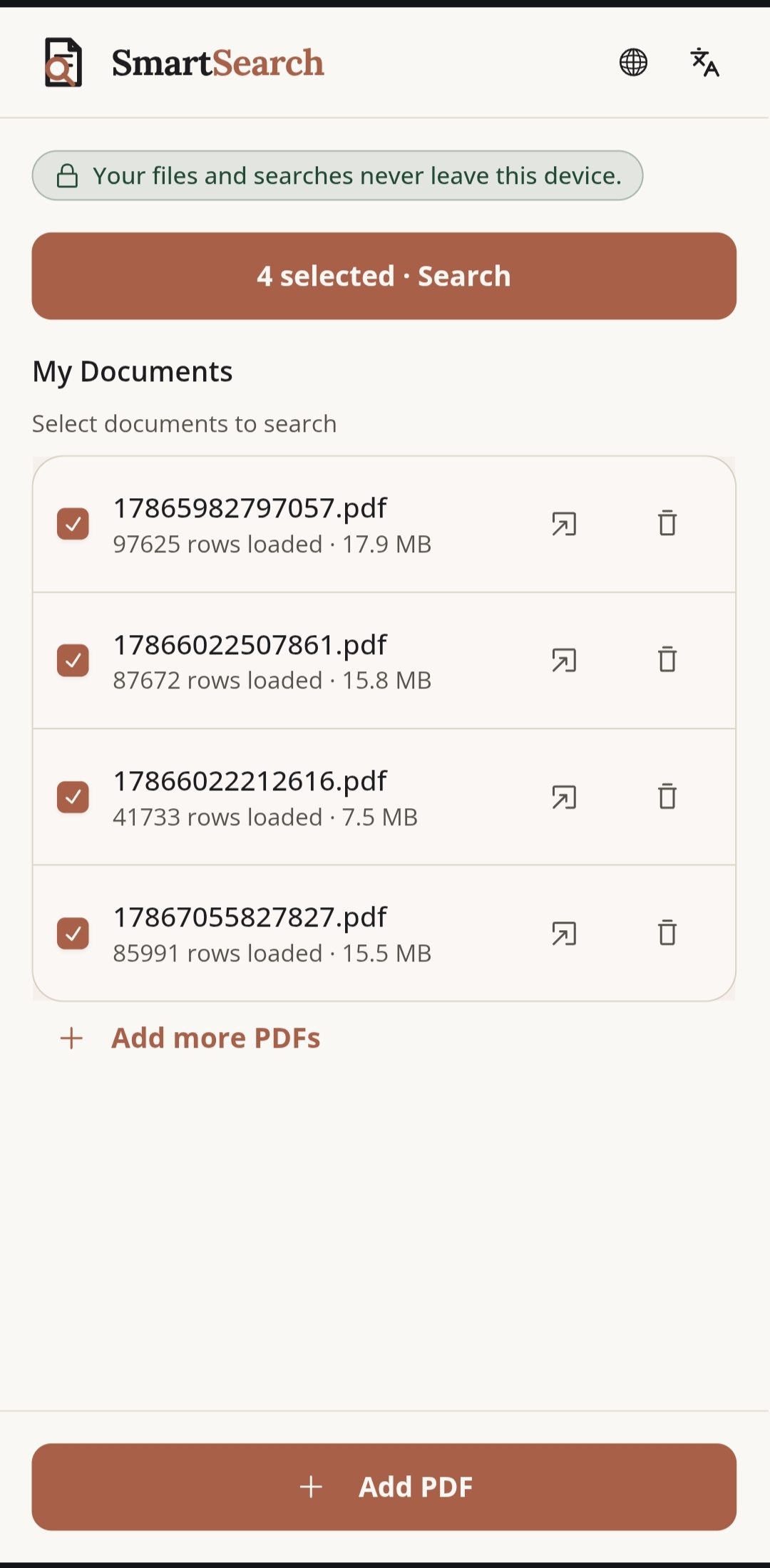
Step 1
Add it, and it reads itself
Drop in a ZIP of PDFs. 85,991 rows parsed in seconds, right on your device — including scanned pages, read with on-device OCR.
Same name, same moment — watch what each one finds.
A typical PDF app
SmartSearch
One spelling in, every spelling out — across electoral rolls, scheme lists, and scanned records, entirely on your device.
Launch Web App →Android's default PDF viewer searches for exact text, one match at a time, and slows to a crawl on a 1,800 page electoral roll, result sheet, or scheme list. Type a name one way and it's spelled another, and it finds nothing at all.
Drop in a ZIP of PDFs. 85,991 rows parsed in seconds, right on your device — including scanned pages, read with on-device OCR.
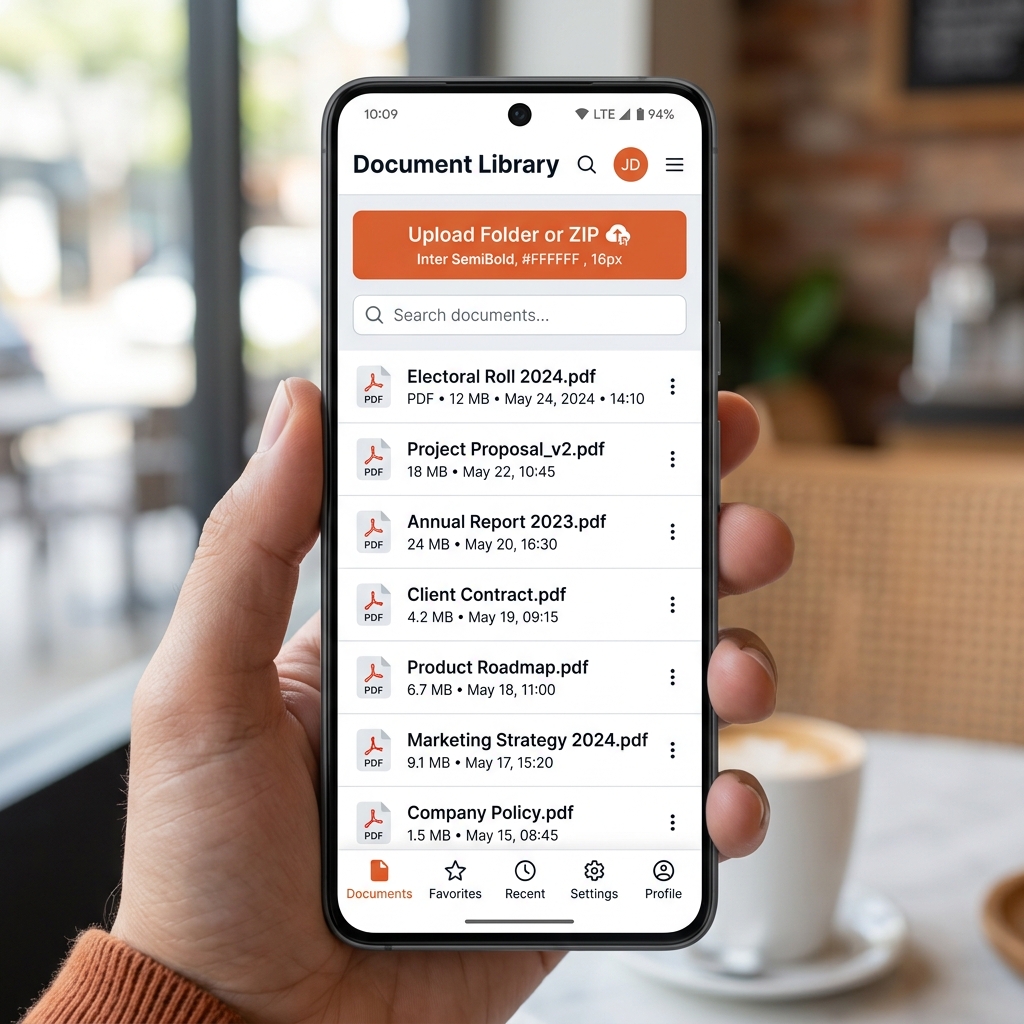
No black box. Every search lists the spelling rules it applied — turn any off, or write your own.
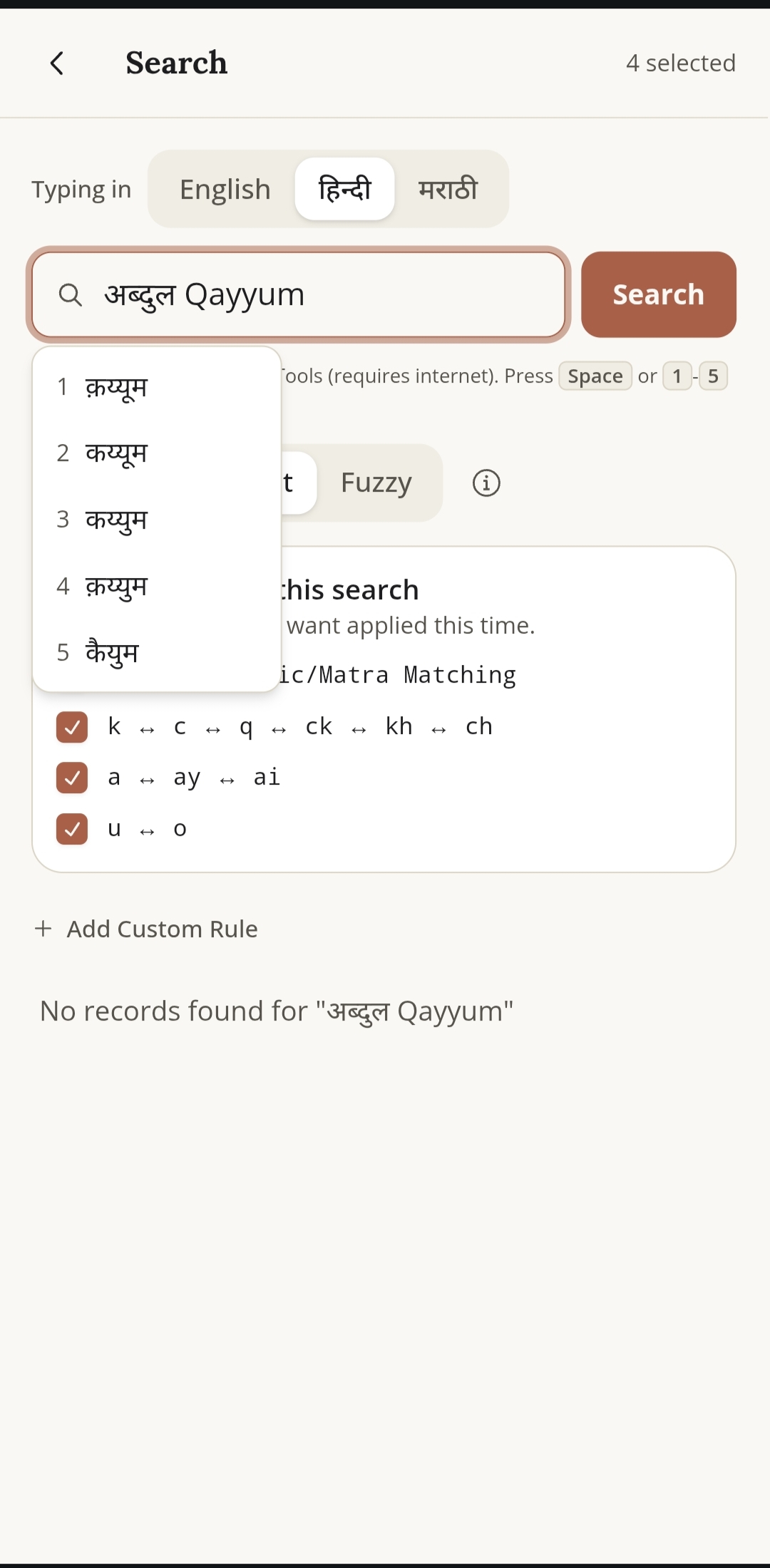
Switch the keyboard to Hindi or Marathi and get live Devanagari suggestions as you type.
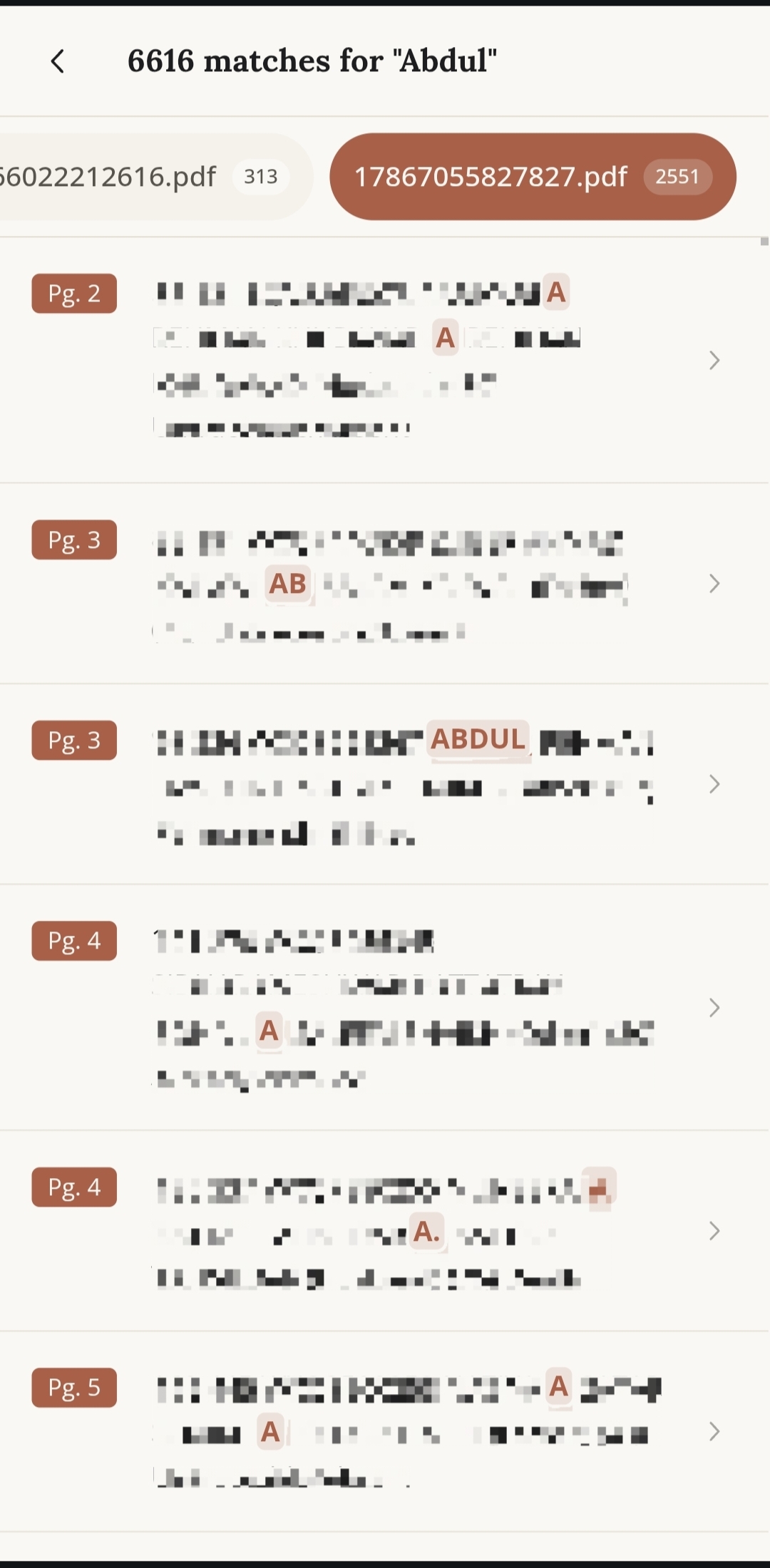
Select as many documents as you need. Results come back grouped by file, in one search.
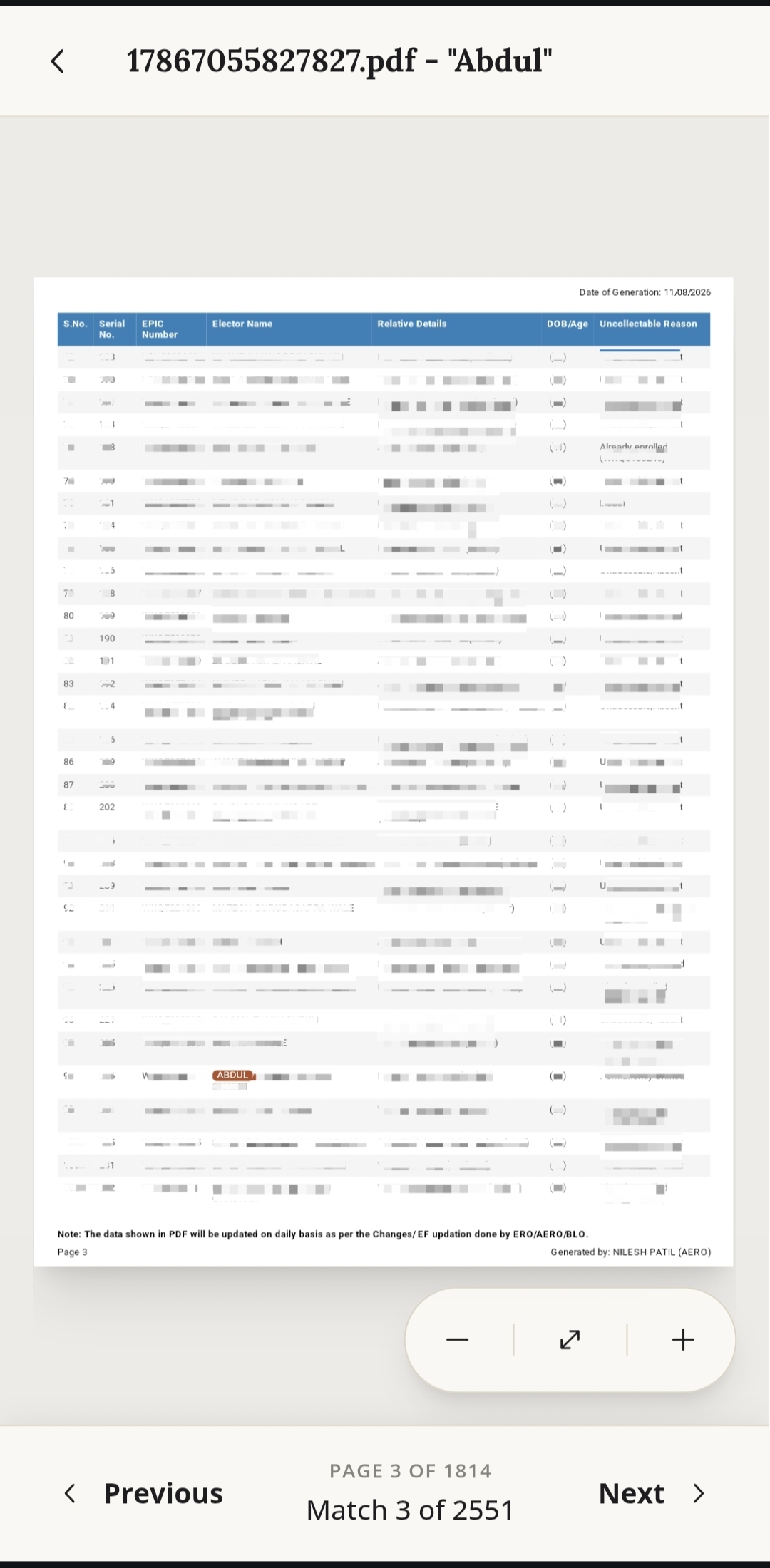
Tap any result to open the real PDF at that exact page, with the match highlighted in place.
No AI, no servers, no accounts — there's nothing to send it to.
Launch Web App →